Company & Organization
The account profile, your org structure, and the catalogs that describe how your company is put together.
Account settings
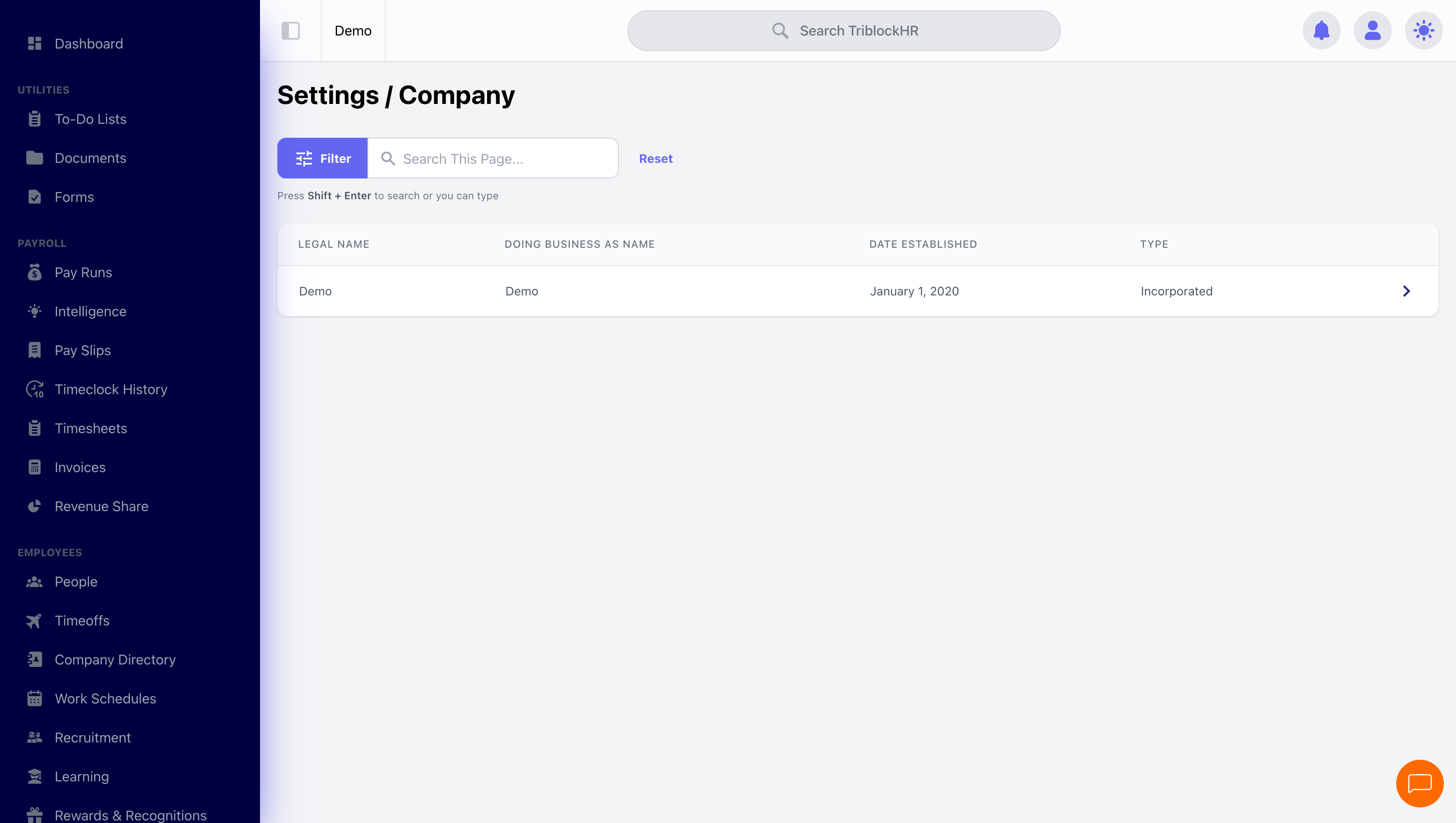
The company profile covers legal name, branding (logo, brand color), contact details, and address — plus a set of switches with real behavioral weight:
| Setting | Effect |
|---|---|
| Payroll Country | Selects the statutory tax engine for every pay run. The single most consequential setting in the system. |
| Can Employees edit their profiles? | Enables self-service edits of name, contacts, and photo. Pair with an approval workflow if you want oversight. |
| Should Triblock encrypt Employees' payslips and job letters? | Password-protects PDFs with the last four digits of the employee's NIB number. |
| Should automatically prorate salary? | Prorates a salaried employee's first pay based on hire date within the period. |
| Pay Period Lookahead | How many future pay periods the system checks when paying out advanced (lump-sum) time off. |
| Payroll Rounding Strategy / Round To Places | How pay amounts — and displayed worked hours — round, up/down/nearest, to your chosen decimal places. |
| Employee Alias | What the system calls your people everywhere ("Employee", "Team Member", "Staff") — the label you see across every screen. |
| Automatic employee numbers + prefix | Generates employee numbers on creation with your prefix. |
Divisions and departments
Both carry a name, manager, GL code, and Active/Inactive status. Divisions add one powerful extra: Restrict Clock In/Out to Assigned Location — search the address on the map, set a radius (10–100 meters), and employees in that division can only punch within the geofence. Departments and divisions also feed the GL codes your accounting export uses for cost-center mapping.
Hierarchy
The hierarchy editor sets each person's manager and direct reports. This drives who approves what, who sees whose data, and the org chart in Reports. It guards against loops — assigning someone's manager as their subordinate clears the conflict automatically.
The employment catalogs
| Catalog | What it feeds |
|---|---|
| Employment Levels | The pivotal one: payroll settings, payslip layout, and overtime thresholds are all configured per employment level. |
| User Statuses (classifications) | Active/inactive classifications used on employment records and filters. |
| Work Titles | Job titles, each optionally linked to a salary scale for range guidance. |
| Job Codes | Job classifications with their own hourly rates, selectable on timesheets and shifts. |
| Vendors | Third parties with banking details — required to remit external deductions (credit unions, insurers) to whoever should receive the money. |
| Disciplinary levels & resolutions | Up to 7 severity levels and the outcome types for disciplinary records. |
| Termination Reasons | The reasons offered during the termination flow. |
Setting up a company from scratch (6–8 min)
Save as: admin-guide__settings__company__vid1.mp4