Integrations
The outside systems TriblockHR connects to — your bank, your accounting software, your time clocks, Slack, and your sign-in provider — and where each is set up.
At a glance
| Connects to | What it does | Set up in |
|---|---|---|
| Your bank | Produces a salary payment file in your bank's required format from a finished pay run. | Payslips, Bank Files & Accounting |
| Your accounting software | Exports a pay run's totals as a file shaped for your accounting/GL system. | Payslips, Bank Files & Accounting |
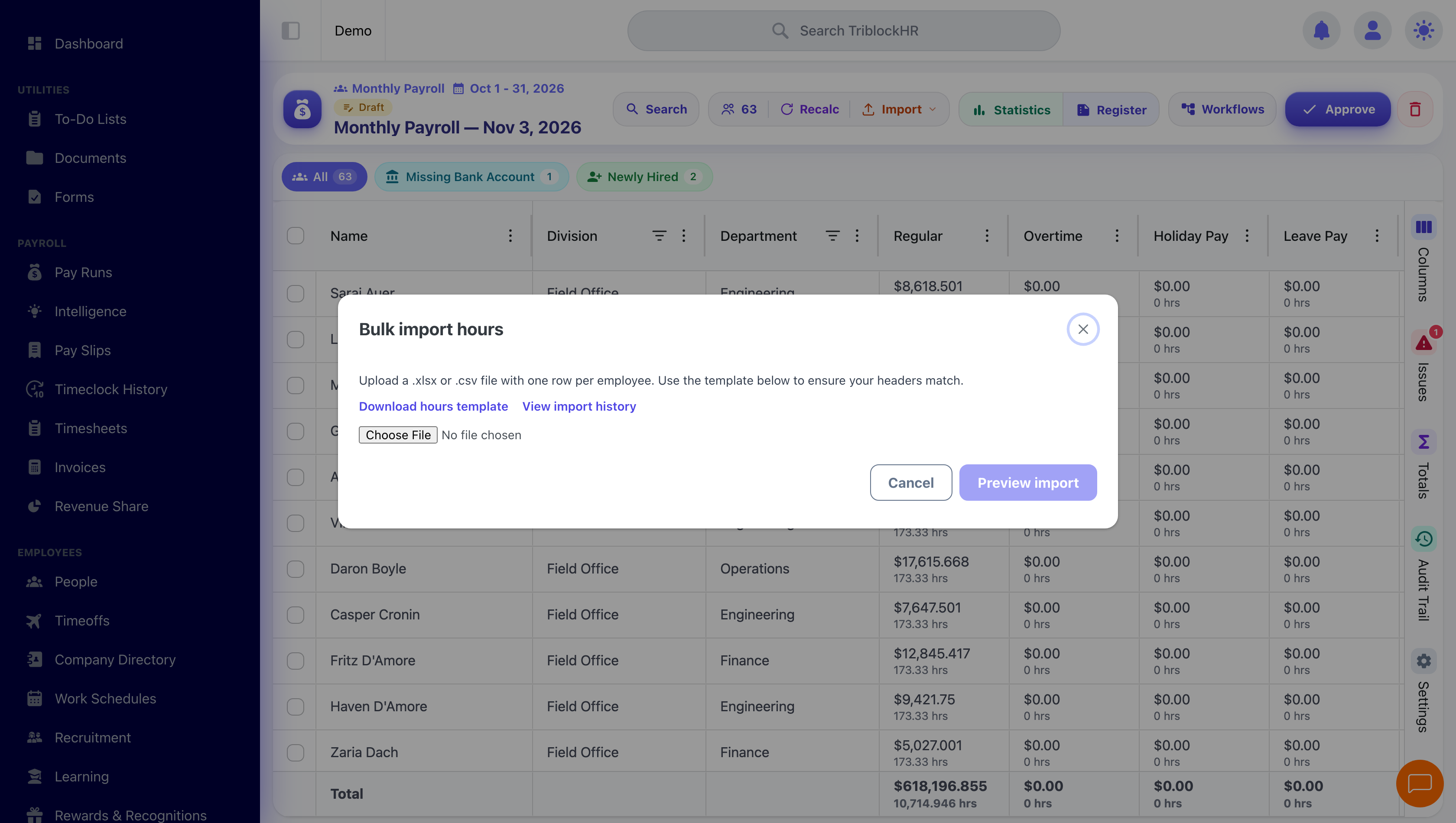
| Time clocks & time systems | Pulls worked hours in from physical clocks and third-party time apps. | Importing Hours · Time Clock Configuration |
| Slack | Delivers notifications into your Slack workspace alongside email. | Communications |
| Microsoft / Active Directory | Lets staff sign in with their existing work account. | Login & Account Security |
Bank payment files
When a pay run is finished, TriblockHR generates a payment file in the format your bank expects, so you can upload it to your bank's portal instead of paying everyone by hand. The bank — and therefore the file format — is set on your account during implementation. Generating the file is part of the pay-run export step, covered in Payslips, Bank Files & Accounting.
Accounting / GL export
The same export step can produce an accounting file: your payroll's costs laid out for your general ledger. The exact shape is configured for your accounting system under Settings → Payroll → Custom Accounting File Configuration. Because accounting formats are specific to each customer's setup, the build happens during implementation — once it's in place, exporting is a click on the pay run.
Time clocks & time imports
Hours can come into TriblockHR from outside the dashboard in three ways:
- Live hardware clocks — supported wall-mounted devices push punches in as they happen. Devices are registered under Settings → Time → Hardware Timeclocks.
- Third-party time apps — exports from common time systems (uAttend, TimeForce, Deputy, TimeMoto, TimeClock Plus, and others) are brought in from the Import Hours screen. (The separate Settings → Time → Timeclock Import screen is just a setting — it controls whether imported timesheets are auto-approved.)
- Spreadsheets — a plain Excel upload, for when hours live somewhere else entirely.
The mechanics, file formats, and the exceptions to watch are in Importing Hours.
Slack
Connecting a Slack app turns Slack into an extra delivery channel for notifications — payslip availability, time-off alerts, and clock-in warnings can land in Slack alongside email and the in-app bell. Setup and the token steps are covered under Communications.
Single sign-on (Microsoft / Active Directory)
Staff can sign in with their Microsoft (Azure) work account or your network's Active Directory credentials, instead of a separate TriblockHR password. These are turned on for your company during implementation and then appear as buttons on the login screen — see Login & Account Security.
Importing hours from a time clock (3 min)
Save as: admin-guide__integrations__index__vid1.mp4