Login & Account Security
How people sign in, how you get new hires and locked-out staff back into their accounts, and the password rules that apply across the board.
How people sign in
Everyone signs in at your company's TriblockHR web address with their Email or Username and Password. Two optional methods can be turned on for your company during implementation:
- Microsoft — staff sign in with their Microsoft (Azure) work account.
- Active Directory — staff sign in with their existing network credentials.
These appear as extra buttons on the login screen only if your IT team configured them; they aren't a self-serve toggle inside the app. There's also a Triblock mobile app, which staff can pair from the QR code on the login screen.
Getting a new hire their first login
When you hire someone in TriblockHR, the system queues a welcome email with their sign-in details. Their first login walks them through setting their own password (and a username, if needed). If a new hire says they never received it, resend the welcome email from their record — the account only gets that email once they've been formally hired in the system, not merely created.
See Creating Employees for the full hire flow.
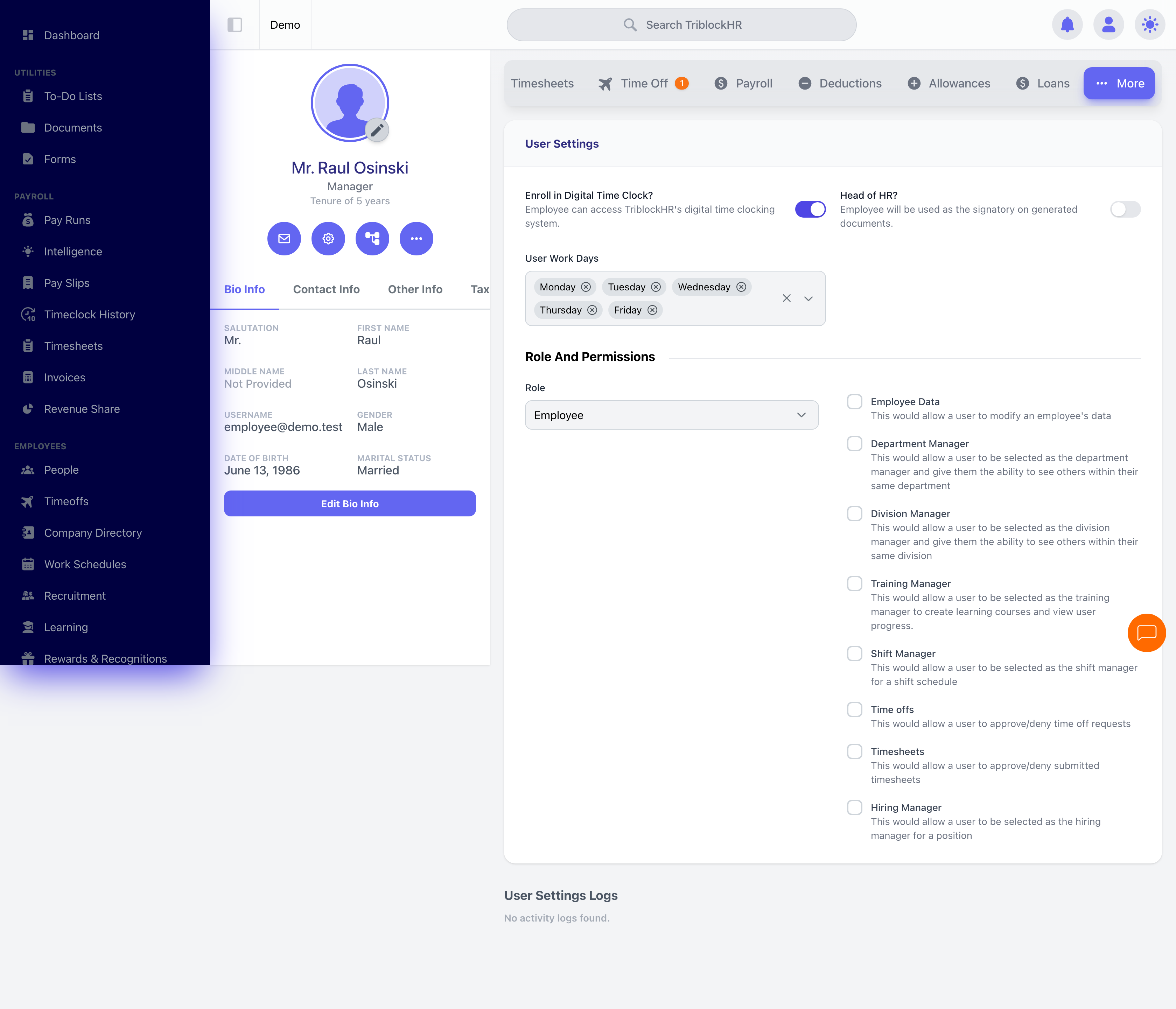
Resetting a user's password
You don't set passwords for staff directly. From an employee's record you can send them a password-reset email, and staff can also start a reset themselves with Forgot Password? on the login screen. Either way they pick their own new password. Reset links are valid for 60 minutes; if one expires, just send or request another.
Password & session rules
These apply to every account and are set at the platform level (configured during implementation), not in a self-serve settings screen:
| Rule | What it means |
|---|---|
| Password strength | At least 8 characters, mixed upper- and lower-case, and at least one symbol. |
| Reset link lifetime | Password-reset links expire 60 minutes after they're sent. |
| Password expiry | Passwords expire about once a year. When one does, the user is signed out and emailed a reset link automatically. |
| Sessions | Users are signed out when they close the browser and after a period of inactivity. Remember me keeps a trusted device signed in longer. |
Getting someone back into their account (2 min)
Save as: admin-guide__access__index__vid1.mp4