What You Can Do as a Manager
You're not an HR admin and you're more than an employee. This guide covers exactly what TriblockHR lets a manager see and do — and what it doesn't.
Four ways you can be a manager
TriblockHR works out what you can see from your relationship to people, and grants approval powers through permissions your HR admin assigns. The two are separate: being someone's manager lets you see their records; a permission lets you act on them.
| You are a… | Set by | You can see… |
|---|---|---|
| Direct manager | Being named as someone's manager on their employment record | Your direct reports' profiles, time off, timesheets, schedules, time clock, and reviews |
| Department manager | Being set as a department's manager (with the department-manager permission) | Everyone in that department |
| Division manager | Being set as a division's manager (with the division-manager permission) | Everyone in that division |
| Shift manager | Being named on a work schedule (with the shift-manager permission) | and manage the schedules you're assigned to |
The permissions that let you act
Seeing your team is automatic once you manage them. Acting — approving, recruiting, editing — needs a permission your HR admin grants. These are the manager-relevant ones, by their names on the permissions screen:
| Permission | Unlocks |
|---|---|
| Time offs | Approve and deny your reports' time-off requests |
| Timesheets | Approve, deny, and edit your reports' timesheets — and, if your company enables it, fix their time-clock punches |
| Hiring Manager | Be named to a job position and work its candidates — view applicants, evaluate, comment, and move them through the hiring stages. See Hiring for Your Team. |
| Shift Manager | Be named on a work schedule and create/manage the schedules you're assigned to |
| Training Manager | Build learning courses and see your team's course progress |
| Department Manager / Division Manager | See everyone in your department or division (the same permission that names you its manager — see the table above) |
| Employee Data | Edit your reports' profile details (contact info and the like) |
If you can see a request but there's no Approve button, you're missing the matching permission — ask your HR admin to grant it. And when your company routes approvals through a workflow, you'll act through an Access Workflow button rather than approving directly — except on time off, which keeps its own approve and deny buttons but only shows them when it is your turn in the chain.
One thing that's not a manager permission: Salary and Hidden Salary are payroll/HR-only and never granted to managers — which is why you can't see what your reports earn.
What you can't do
Some things stay with HR and Payroll admins by design, and the docs won't send you looking for them: you can't see anyone's salary or compensation (even your reports'), run or approve payroll, change company settings, or create employees, change roles, or record promotions and terminations. Those are admin territory. What you can do — approvals, attendance, reviews, recognition — is what this guide covers.
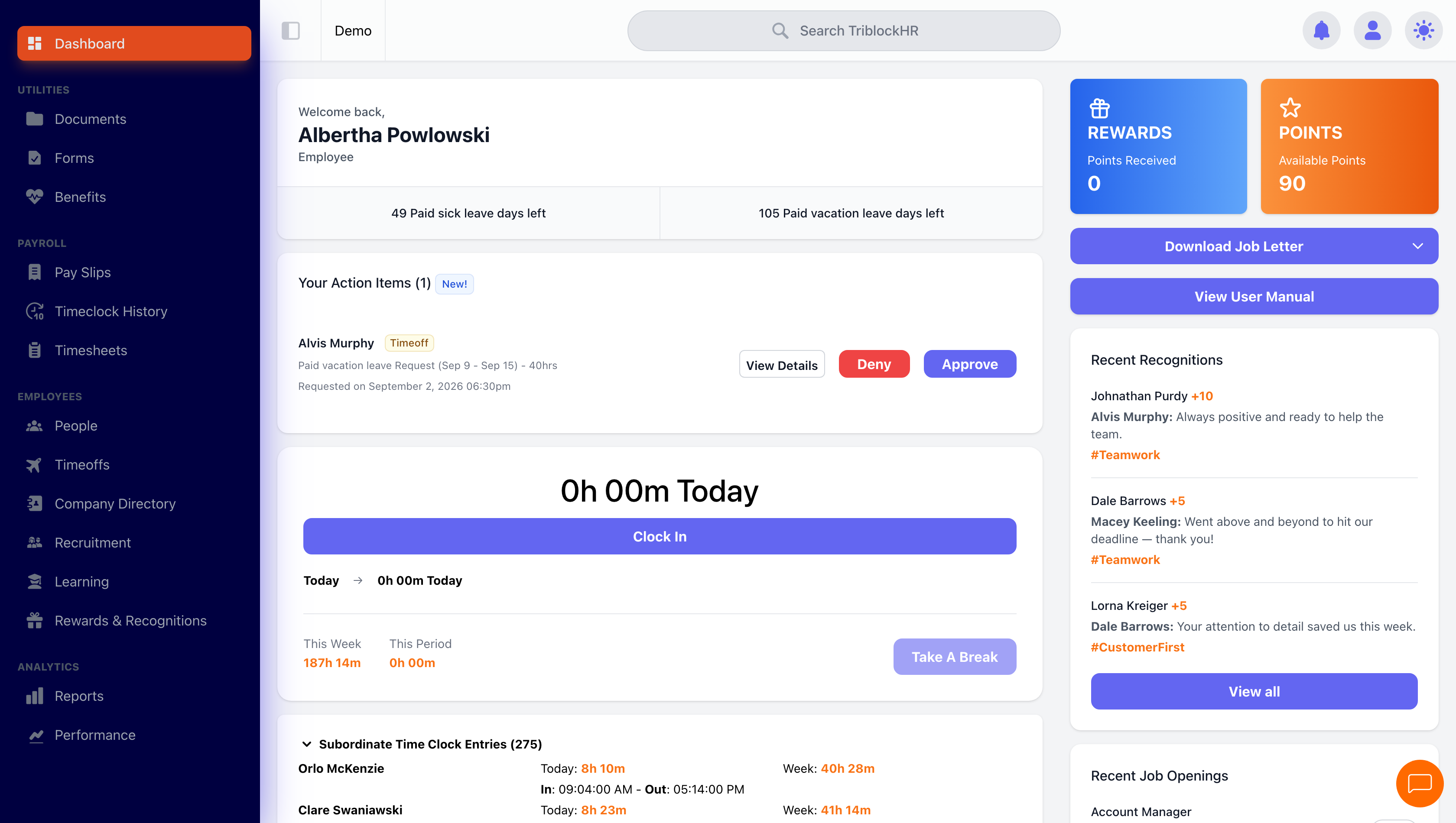
A manager's dashboard
Save as: manager-guide__index__shot1.png