Employee Profiles Overview
The People directory is the system of record everything else reads from — payroll, time, schedules, and reports all start here.
The People directory
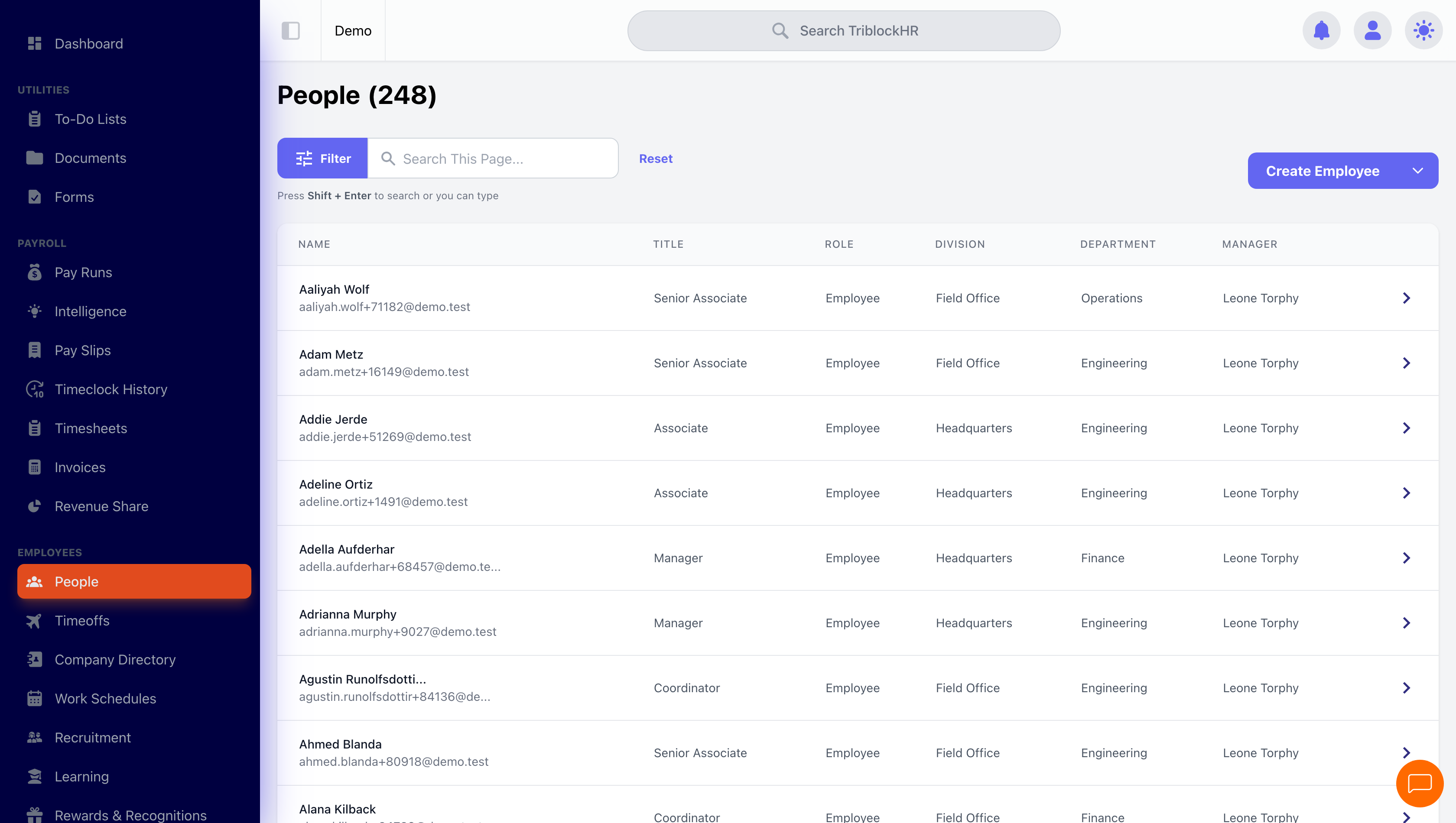
The People screen lists everyone with their title, role, division, department, and manager. Search and sort by name, title, status, role, division, or manager; filter by status or division; and use the Terminated Users filter to include or isolate former staff (terminated employees show a red "(Terminated)" marker). Click any row to open the full profile.
Roles and permissions in one minute
Every person has a role, optionally extended with specific permissions. The role decides the ceiling; permissions fill in the specifics:
| Role | What it's for |
|---|---|
| Employee | Self-service: own profile, payslips, time off, time clock. |
| HR Clerk / Payroll Clerk | Operational support with granted permissions (timesheets, time off, hiring); clerks don't handle salary unless explicitly granted. |
| HR Administrator | Employee data and (with the salary permission) compensation. |
| Payroll Administrator | Full payroll authority, including tax configuration. |
| No Access | Login blocked — applied automatically on suspension and termination. |
The permissions that matter most day to day: salary handling (see and edit compensation), employee data handling (edit profiles), and the timesheet/time-off handling permissions that light up approval buttons across the system. Manager relationships come from the employment record, and managers see their direct reports' profiles automatically.
Statuses and what they actually do
| Status | Login | Payroll | Notes |
|---|---|---|---|
| Active (full-time, part-time, contractor, intern) | Yes | Included | Normal operation. |
| On probation | Yes | Included | Informational flag with an optional auto-end date; doesn't restrict anything by itself. |
| Suspended | Blocked | Excluded | Role flips to No Access until the suspension end date, then restores automatically. |
| Terminated | Blocked | Final pay only | Record is kept, not deleted — history, payslips, and reports stay intact. |