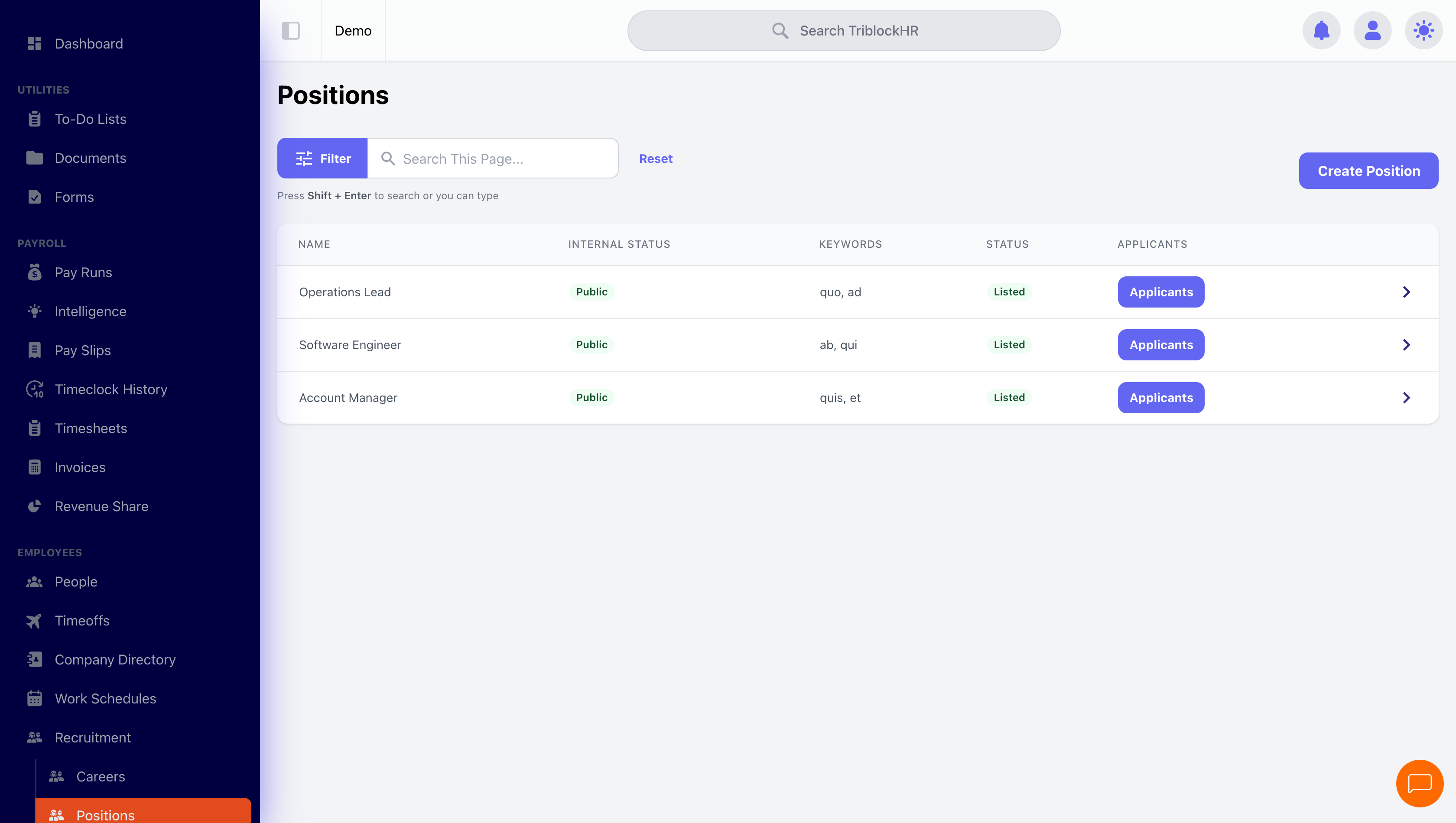
Recruitment: Positions
Post a job once and the rest follows: a branded public listing, a configurable application form, AI-assisted screening, and a phase pipeline to hired.
Creating a position
From Positions → Create Position, the form covers four areas:
1. The basics
Title, Description (be generous — the AI ranking reads it), at least one Hiring Manager, the Employment Type, and Keywords for matching. Optional: a salary range (shown publicly as a green pill on the listing), an Application Deadline (applications are blocked after it passes), and the Position is Internal? toggle — internal positions only appear to logged-in applicants, which is how referral and internal-promotion postings stay off the public page.
2. The application form
Each position controls its own application: standard personal and profile fields (name, email, resume, cover letter, education, experience — each toggleable), plus custom questions of any type — short answer, paragraph, number, yes/no, date, single or multiple choice, file and image uploads. Custom questions can carry an Expected Answer, and the applicant view marks answers correct or incorrect automatically — cheap, effective knockout screening.
3. Top Applicants weighting
The See Top Applicants ranking blends two signals: the AI resume match score (how well the parsed resume fits your description and keywords) and hiring manager evaluations. You set the percentage split here; the two weights must total 100.
4. Phase settings
For each pipeline phase (Applied, Screening, Interview, Offer, Hired, Rejected, Withdrawn), the position can override your global recruitment settings: which questionnaires run in that phase, and what happens automatically when an applicant enters it — sending a templated email, or offering to create an employee account when someone reaches Hired, which carries the applicant's details into the employee create form.
Who does what
HR admins own positions (create, edit, delete) and everything else. Hiring managers — anyone with the hiring-manager permission — see applicants, move phases, evaluate, and comment. Evaluation questionnaires give managers a structured scoring form, and their scores feed both the applicant's evaluation average and the Top Applicants ranking.