Approval Workflows
Staged sign-off chains for the processes that need more than one pair of eyes — configured once, enforced everywhere.
What can have a workflow
One workflow per process type, from Settings → Workflows: pay runs, timesheets, time-off requests, form submissions, performance reviews, invoices, bulk user updates, employee self-updates, profile updates, and employment history changes. With no workflow configured for a type, that process uses its direct approve/deny buttons — exactly as documented in each module's guide. Configure a workflow, and an Access Workflow button replaces them, routing the decision through your chain instead.
Building the chain
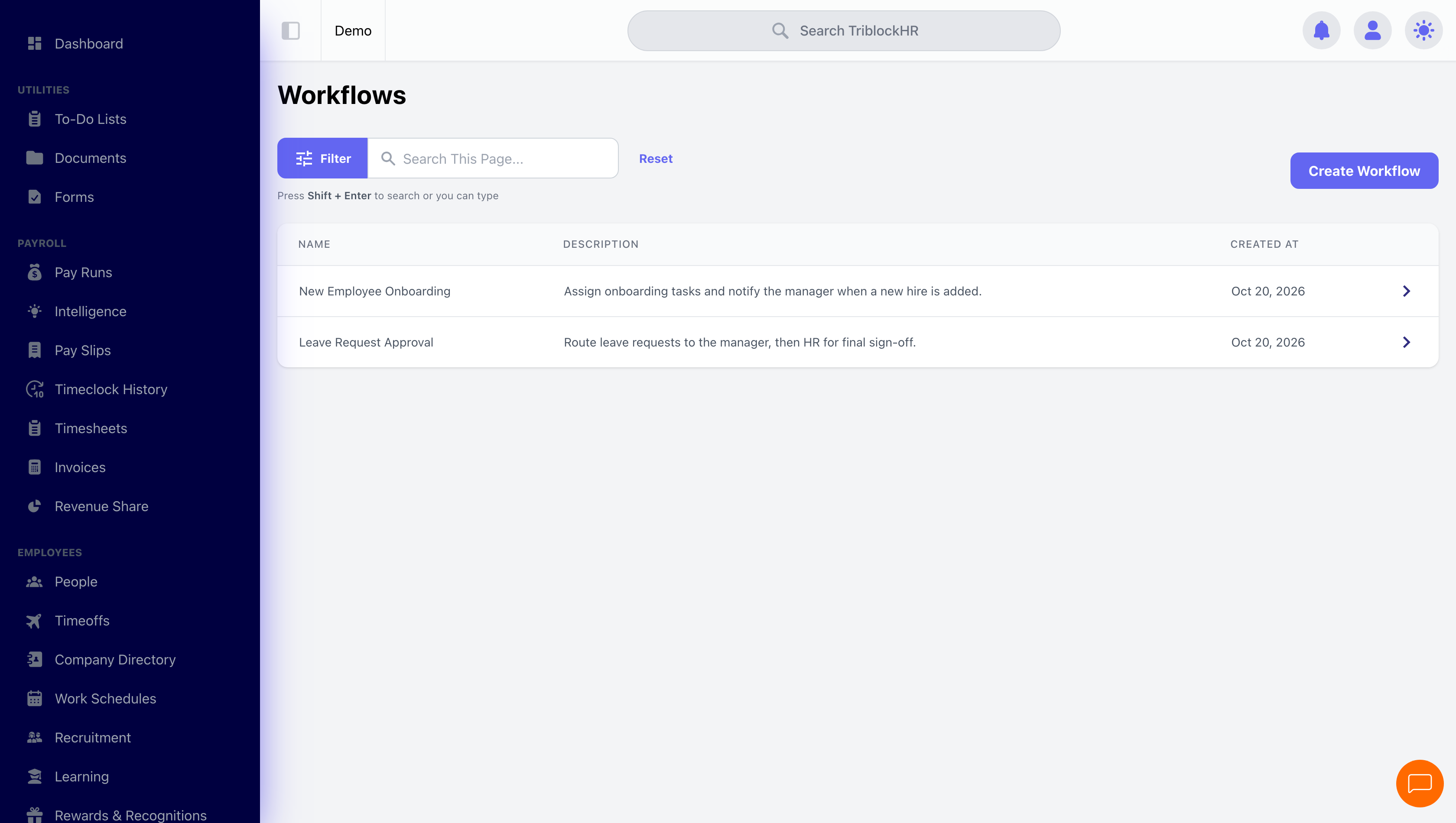
- Click Create Workflow and pick the process type (each type can only have one workflow).
- Add stages in order. Each stage names an Approver Type — Specific Person(s), a Role, the Initiator, or (for timesheets and time off) the Direct Manager or Department Manager — and the approver itself.
- Create Workflow. From that moment, every new submission of that type routes through the chain.
When something is submitted, the first stage's approvers are notified; each approval passes the baton to the next stage, and the underlying record only changes status when the final stage approves. A denial at any stage stops the chain and returns the item with the denial reason. Every workflow keeps its own change history.
Who a stage can be assigned to
Beyond a named person or a role, a stage can be pointed at the requester's own management line, resolved per request: their direct manager, their department manager, and now their division manager. That last one is useful where approval authority sits above the department — a division head signing off anything their departments raise, without you building a separate chain per department.
For the bigger picture
This system handles linear sign-off chains on built-in processes. When you need branching logic, scheduled triggers, or automated actions, that's Workflow Automations — and the Building an Approval Chain guide walks the choice between them.