Building Performance Templates
A template is the review's blueprint — questions, scoring, approval stages, and commenters. Build it once, schedule it every cycle.
The five steps
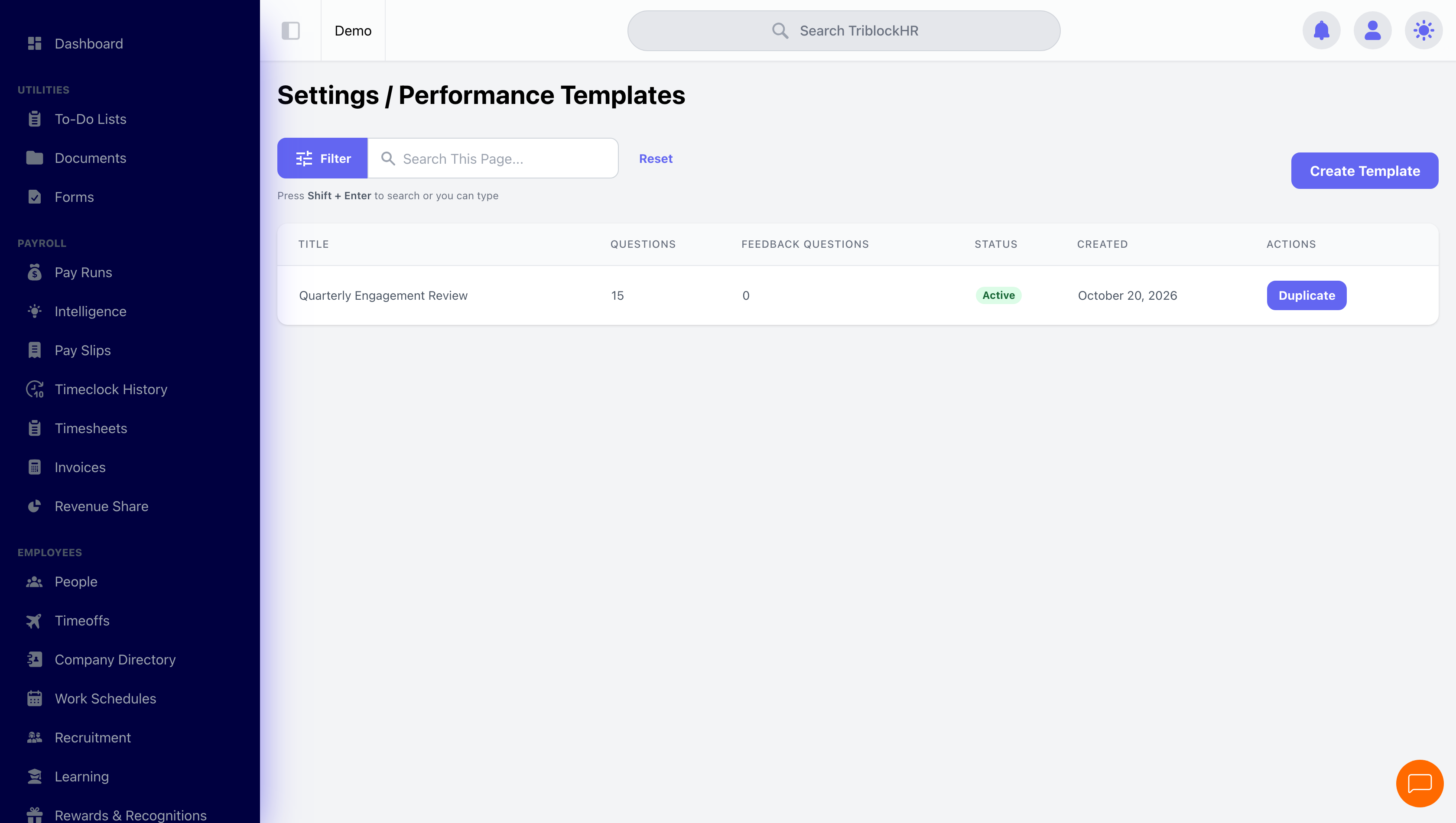
The template builder (Settings → Performance Templates → Create Template) walks five tabs:
1. Information
Title, description, and the Active? toggle — inactive templates can't be picked when scheduling new reviews, which is how you retire old formats without breaking history.
2. Questions
Questions live inside drag-reorderable sections ("Core Competencies", "Goals", "Leadership"). Each question has a type, a required flag, optional points, and — crucially — an answered-by setting: reviewee only, reviewer only, or both. The question types:
| Type | Answer | Scored? |
|---|---|---|
| Text | Free-form writing | No |
| Rating Scale | 1–10 slider with your own end labels ("Poor" → "Excellent") | Yes |
| Mood Scale | 5-point visual scale | Yes |
| Single Choice | One option; each option carries its own score | Yes |
| Multiple Choice | Several options | Configurable |
| Date | A date | No |
Scored questions can be weighted separately for the reviewee and reviewer sides, so the manager's rating can count for more (or less) than the self-rating in the final score.
3. Feedback
Optional open-ended prompts ("What went well this year?") that the employee answers after their assessment. Feedback answers get automatic sentiment analysis, and the review stores an AI-generated summary of the cycle's feedback overall — useful signal across a whole department's worth of reviews.
4. Workflows
The approval chain, up to five stages. Each stage is a type — Initiator, Direct Manager, Department Manager, or named users — and stages run strictly in order: stage 2 reviewers aren't notified until stage 1 submits. One stage (direct manager) is the common case; add stages only when a second sign-off genuinely adds something.
5. Overall Commenters
Named people who may add high-level comments to completed reviews across the cycle — typically a leadership or HR committee. They see a review only once a track is complete.
Building an annual review template (6 min)
Save as: admin-guide__performance__templates__vid1.mp4