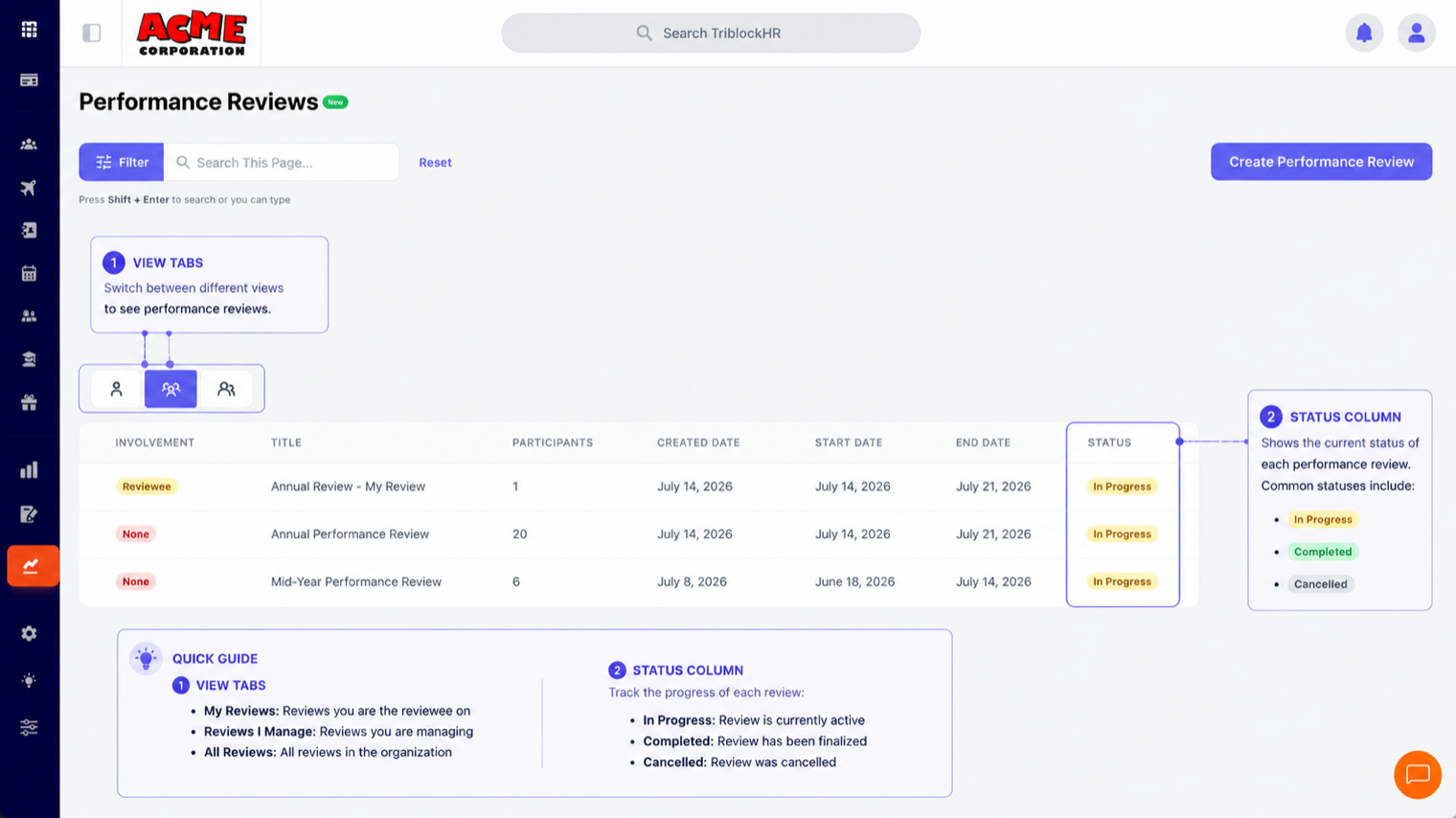
Performance Overview
Template-driven review cycles: employees self-assess, reviewers score through approval stages, and everything lands in one scored, signed-off record.
How a review works
You build a reusable template (sections, questions, scoring, who reviews in what order), then schedule a review from it against a set of employees. Each employee gets their own review instance with two tracks running in parallel: the reviewee track (their self-assessment) and the reviewer track (their manager or approval chain scoring them). When both tracks finish — and sign-off completes, if required — the review is done and scored.
| Status | Meaning |
|---|---|
| In Progress | Scheduled and open; participants are answering. |
| Completed | Every participant's reviewee and reviewer tracks are done (the cycle completes itself automatically). |
| Cancelled | Called off; rows show muted in the list. |
The roles
| Role | What they do |
|---|---|
| Reviewee | The employee being reviewed. Answers the self-assessment questions, can save drafts with Save For Now, submits once. |
| Reviewer | Scores the employee, stage by stage if the template has a multi-stage workflow (up to 5 stages — e.g., direct manager first, then HR). Each stage only opens when the previous one finishes. |
| Overall Commenter | Optional named individuals who add high-level comments — they can't see a review until at least one track is complete. |
Who sees what, and when
Visibility is deliberately staged. A draft self-assessment is the employee's alone until submitted. Reviewer scores are invisible to other stages and to the employee while in progress. The employee sees the reviewer's side at completion — after sign-off, where sign-off is required. HR admins see everything throughout. This staging is what makes honest self-assessment possible, so resist the urge to shortcut it.
Permissions
HR admins run the show: create reviews, edit templates, reassign reviewers, adjust points. Managers with direct reports can also create reviews and always see their own team's progress under Direct Reports. Everyone else interacts only with reviews they're a participant in.