Taking Courses
Browse, learn at your pace, pass the quizzes, collect the certificate — and the skills land on your profile.
Finding and starting a course
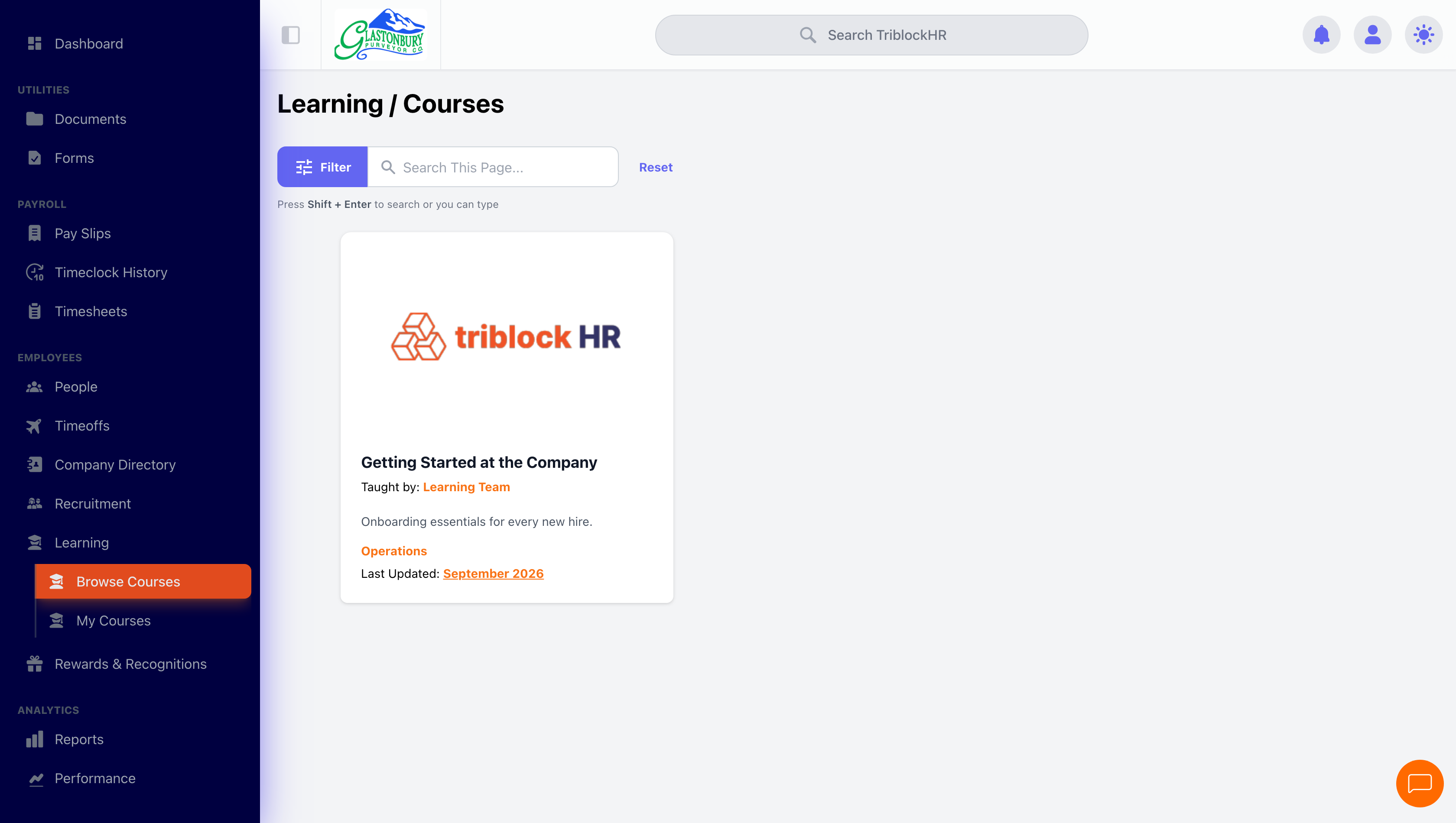
Browse Courses shows everything available, filterable by department. Open a course to preview what's in it, enroll, and it moves to My Learning with a progress percentage. The course remembers where you left off — reopening takes you back to your last lesson.
Lessons and quizzes
Lessons are articles, sometimes with video and downloadable files; tick the checkbox in the sidebar when you've finished one. Quizzes are single-answer multiple choice — pick, Submit Answer, and a wrong answer shows you the correct one with a Try Again? link. There's no penalty for retries; answer correctly and the quiz marks itself complete.
Finishing
Complete everything and the congratulations page appears with your completion date, a Download Certificate button (PDF, also emailed to you), and any skills the course awards — those go straight onto your profile at the levels the course defines. The completion page stays available as verification.
Courses with a trainer
A taught course runs as a cohort — a class with start and end dates, a trainer, and work that gets marked. Browse Cohorts lists what is open to you.
Getting a place
What happens when you apply depends on how the cohort is set up:
- Open — you are enrolled straight away.
- Manual — your application goes to the trainer, and you wait to be accepted. Your dashboard shows it as applied until then.
- Closed — you cannot apply; someone has to add you.
A cohort can also be full. If you withdraw, or your application is turned down, you can apply again later.
Working through it
Your Dashboard is the place to start: the courses you are on, what is due soon, announcements from your trainers, your certificates, and your learning streak — consecutive days you have done something, which counts quiz and assignment work as well as lessons.
Depending on how the trainer set the cohort up, you will either be able to jump around the content freely or have to finish each item before the next unlocks. Alongside the lessons you may find flashcard decks for revision, discussions to post in, and an FAQ.
Assignments and quizzes
Unlike the self-serve catalogue, this work is graded. Assignments have a due date and you upload your work; quizzes may have a time limit. Multiple-choice answers are marked instantly, and written answers are marked by your trainer, so a grade may take a little while to appear. Each assignment shows the marks available and the marks needed to pass.
Your certificate
Finish everything in the course and your certificate is issued automatically, with its own certificate number and date.
You can publish it to a public link to put on a CV or professional profile — anyone with the link can view and download it without logging in. That choice is yours alone: nobody at your company can switch it on for you, because the page shows your name.
If a trainer corrects a grade and it drops you below the pass mark, the completion and certificate are withdrawn until you are back above it. If the grade is put right again, you get the same certificate back with its original date and link.
The learner dashboard
/lms/dashboard showing my courses with progress, the due-soon list with at least one item, an announcement, the learning streak widget, and a certificate. Needs a seeded learner with real progress — an empty dashboard shows nothing worth looking at. Fabricated demo tenant only. App viewport only, 1520px wide.
Save as: employee-guide__learning__index__shot2.png
Common questions
I got a quiz question wrong — does it count against me?
No. Quizzes show you the right answer and let you retry until you pass. They're for learning, not grading.
Where's my certificate from a course I finished months ago?
Open the course from My Learning — finished courses show a View Completion button with the certificate download.
A finished course says "New Content Added Since Completion".
The course was updated after you completed it. Your completion stands; revisit if the new material is relevant to you.
My certificate disappeared.
On a taught course, a certificate is withdrawn if a regrade puts you below the pass mark. Ask your trainer — if the grade was wrong and gets corrected, the same certificate comes back with its original date and share link.
I applied to a cohort and nothing happened.
That cohort needs the trainer to accept applications. You will see it on your dashboard as applied until they do.
Why can't I open a later lesson?
The trainer has set that cohort to unlock content in order — finish what comes before and the next item opens.
Your first course (2–3 min)
Save as: employee-guide__learning__index__vid1.mp4