Setting Up Recognition
Four pieces of configuration, in the order that makes sense: values, allowances, approvers, catalog.
1. Company values
Values become the hashtags people attach to kudos — up to 12, each with a Hashtag and a Description shown when employees browse them. The monthly recap reports the top values by usage, so they double as a culture metric. Fewer, sharper values beat a list nobody remembers.
2. Monthly allowances
One allowance per role: the Monthly Allowance (points granted each month) and the Transfer Limit (max points in a single kudos). The grant runs automatically at month end, resetting each person's giving budget to the configured amount — generous budgets don't accumulate into point inflation because nothing carries over. This screen also holds the Allow Employees To Give Points? master switch; with it off, only managers and admins move points, and everyone else's kudos are words only.
3. Approvers (optional)
Enable Recognition Approvals? routes every kudos through a review step before it hits the feed. Pick the Recognition Approvers — they get the Approvals tab and the weekly pending reminder; HR admins can always approve regardless. The same screen has Allow employees to edit kudos? for letting people fix typos in their own posts (text and hashtags only — points and recipient lock at creation).
Worth a moment's thought: approvals protect the feed's tone but add friction and delay to a thing whose whole value is spontaneity. Most small teams run without; turn it on if your feed needs guardrails.
4. The reward catalog
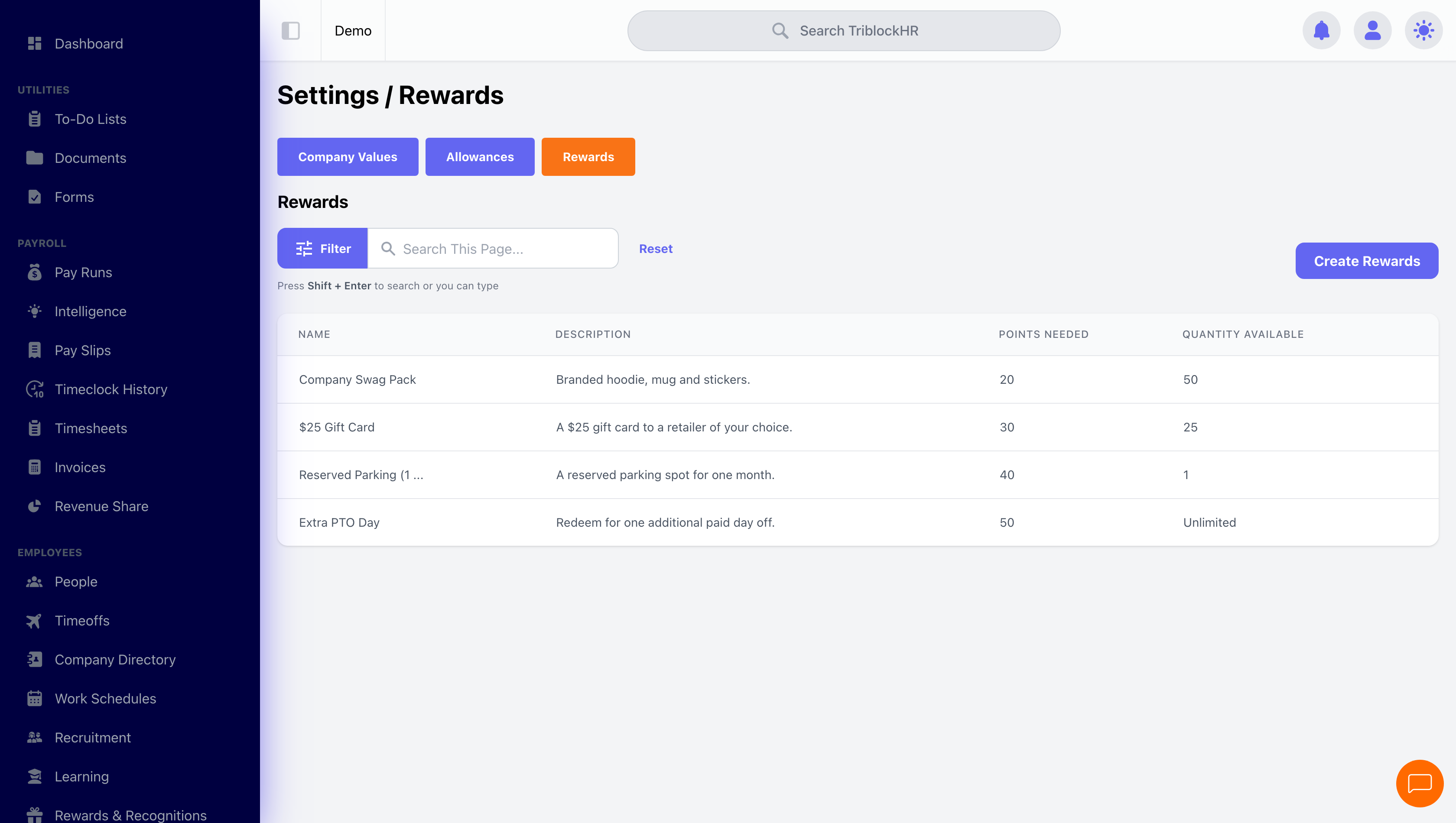
Each reward has a Name, Description, Points Needed, an optional photo, and an optional Quantity Available — blank means unlimited; a number means stock counts down with each claim and the reward shows "Out of Stock" at zero. Price rewards against your allowance math: if employees earn ~50 points a month from peers, a 200-point reward is a quarterly treat and a 1,000-point one is aspirational.
Launching recognition (5 min)
Save as: admin-guide__recognition__setup__vid1.mp4